
Chatting with Cloa
Chat is the heart of Cloa. You don't learn commands or click through menus — you just say what's on your mind, the way you'd text a friend who happens to be very capable. Cloa reads what you need, helps right there in the conversation, and remembers it for next time.
Starting a conversation
Open the Chat tab and you're ready to go. A fresh conversation greets you and waits for whatever you want to bring up — a question, a task, a half-formed thought.
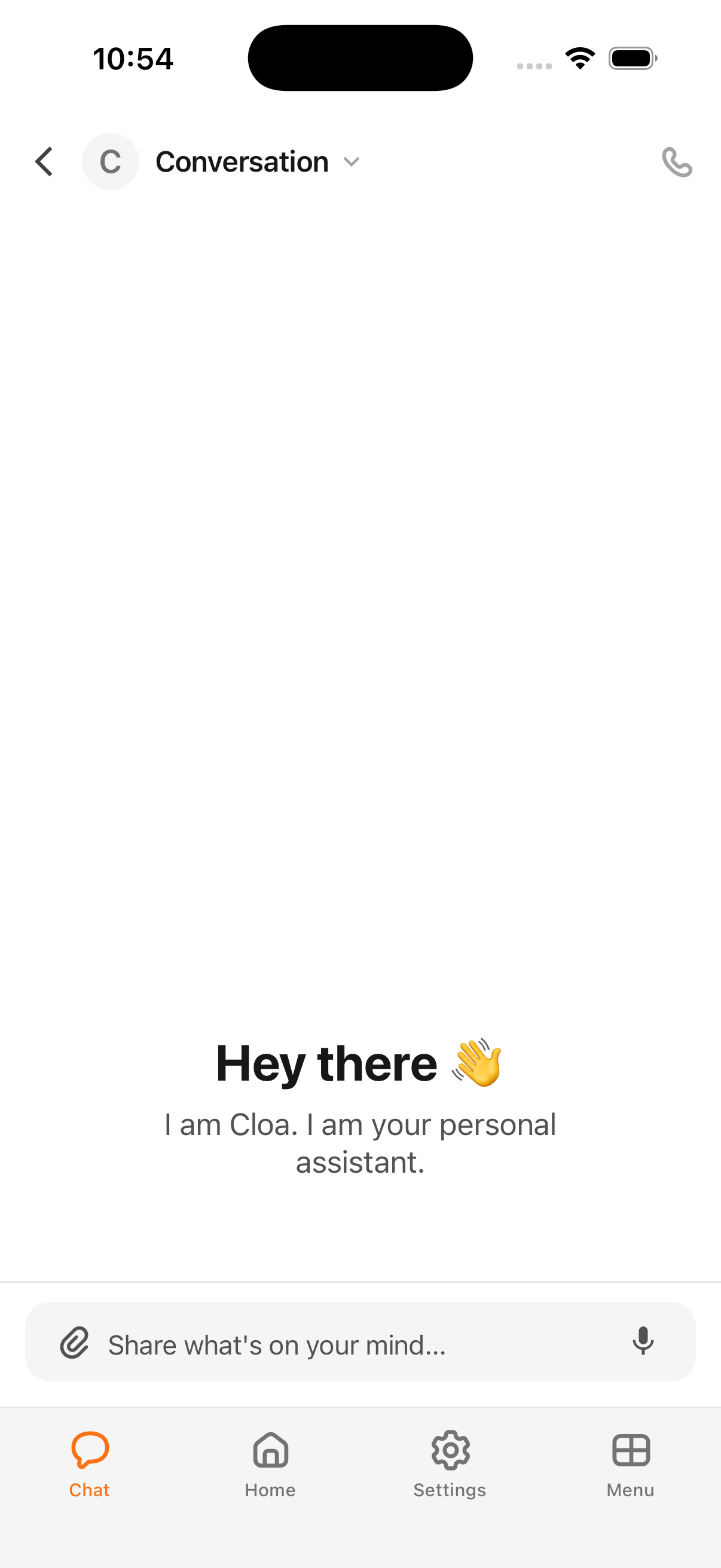
You don't need to phrase things a special way. "Plan my day," "what should I get my mom for her birthday," "summarize this and send it to my team" — Cloa figures out what you mean.
Sending a message
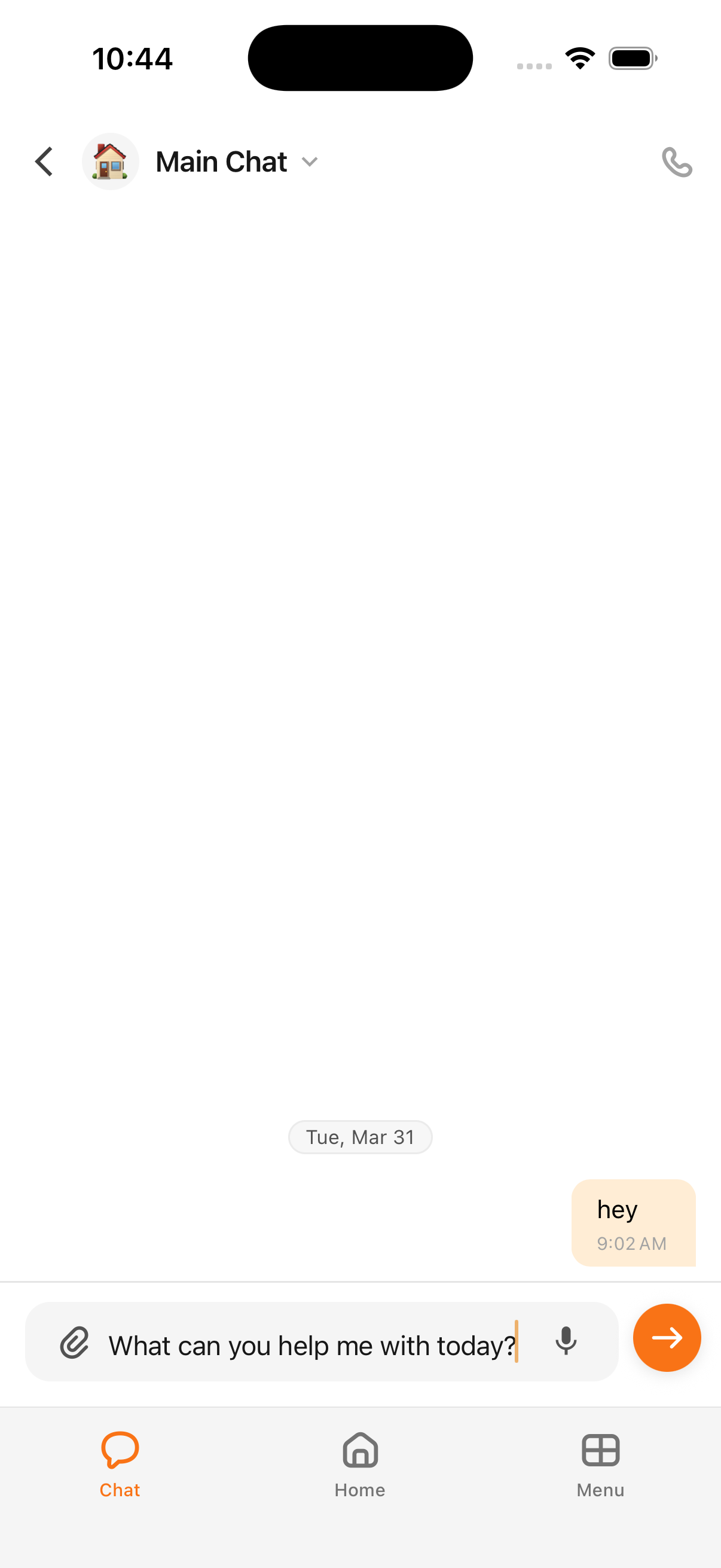
Type into the bar at the bottom and send. You can keep it short, paste in something long, or attach a file — whatever the moment calls for.
How Cloa replies
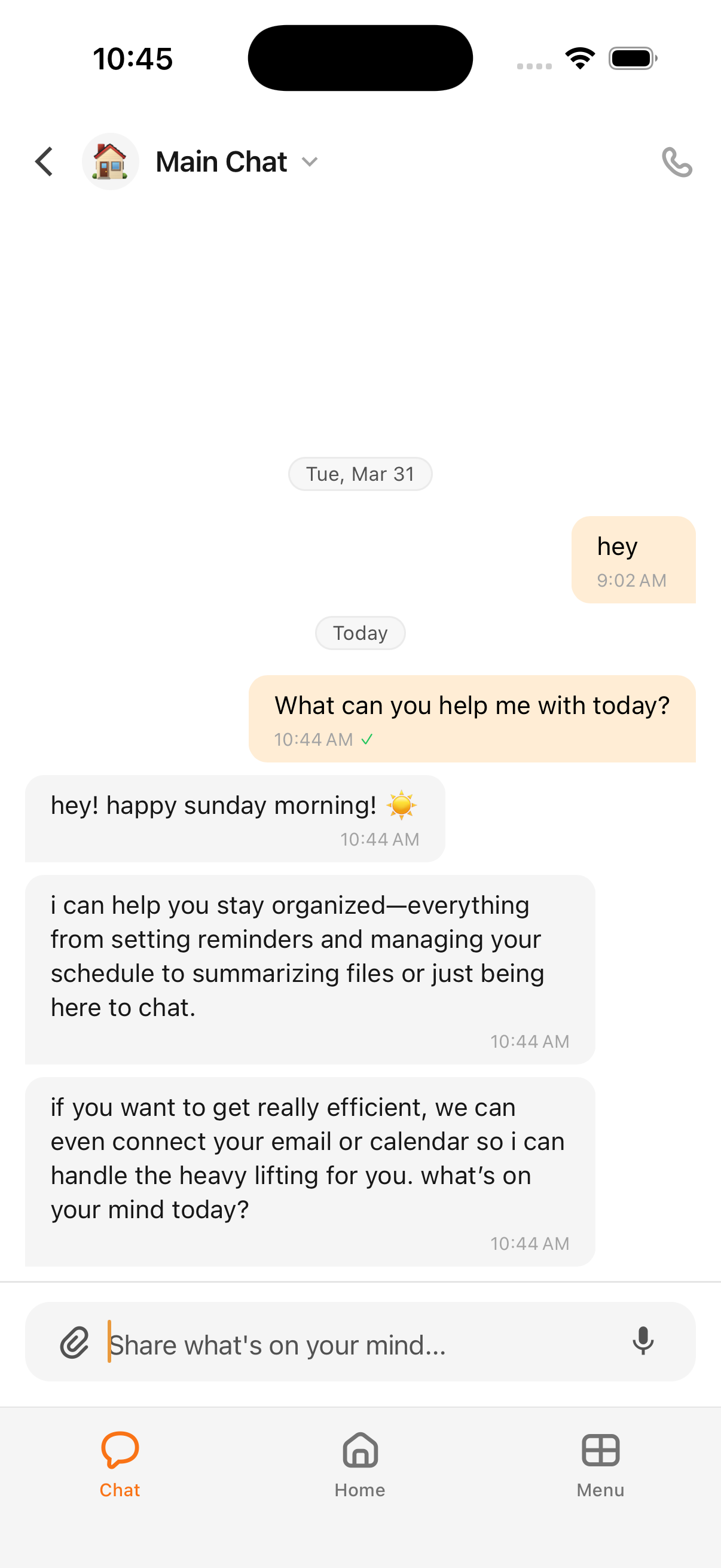
Cloa answers in plain language, right in the thread. Ask what it can do and it'll tell you — staying organized, setting reminders, managing your schedule, summarizing files, or just being there to talk things through. Connect your apps and it can do more of the heavy lifting for you.
Because Cloa remembers what you tell it, you rarely have to repeat yourself — mention something once and it carries into later conversations.
Organizing your conversations
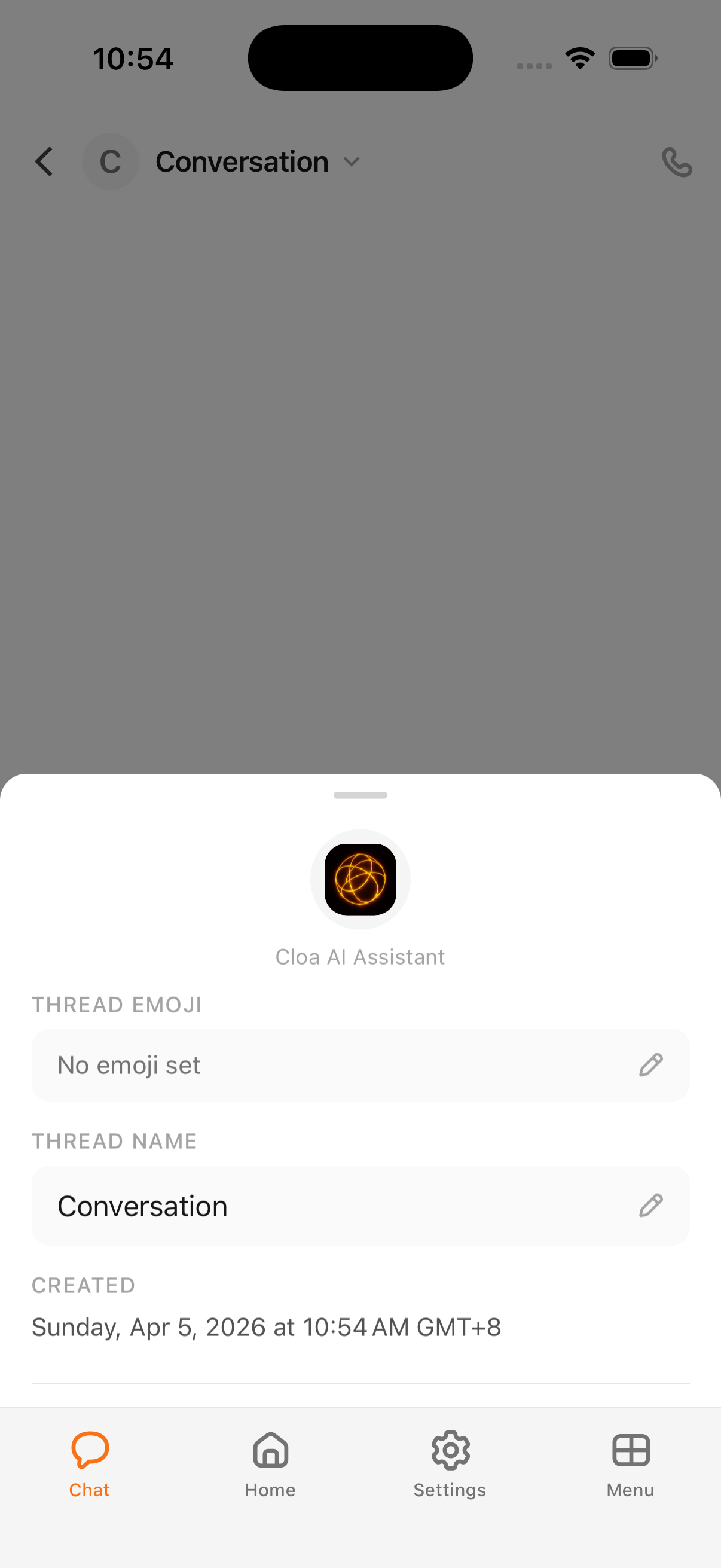
Your main chat is always pinned and ready. You can start new conversations for separate topics, and rename any of them so they're easy to find later — tap the conversation name at the top to give it an emoji and a title.
Prefer to talk?
Anything you can do in chat, you can do out loud. Tap the call button in the top right of a conversation to switch to a real-time voice call — same Cloa, same memory, just hands-free.
See also
- How Cloa remembers — why you don't have to repeat yourself.
- Voice calls — talk to Cloa out loud.
- Your daily brief — what Cloa pulls together for you each morning.
Where Cloa lives
A map of every place you can find Cloa — mobile app, voice calls, Telegram, Discord, and Companions — and how they all share the same memory.
How Cloa remembers
Cloa builds a memory of what you tell it — across chat, voice, and Telegram — so it can pick up where you left off without you repeating yourself.