
Strava
Connecting Strava brings your activities and training into Kyona, so you can ask about a recent run, check weekly mileage, or look at how your pace has shifted over the last month without opening the Strava app.
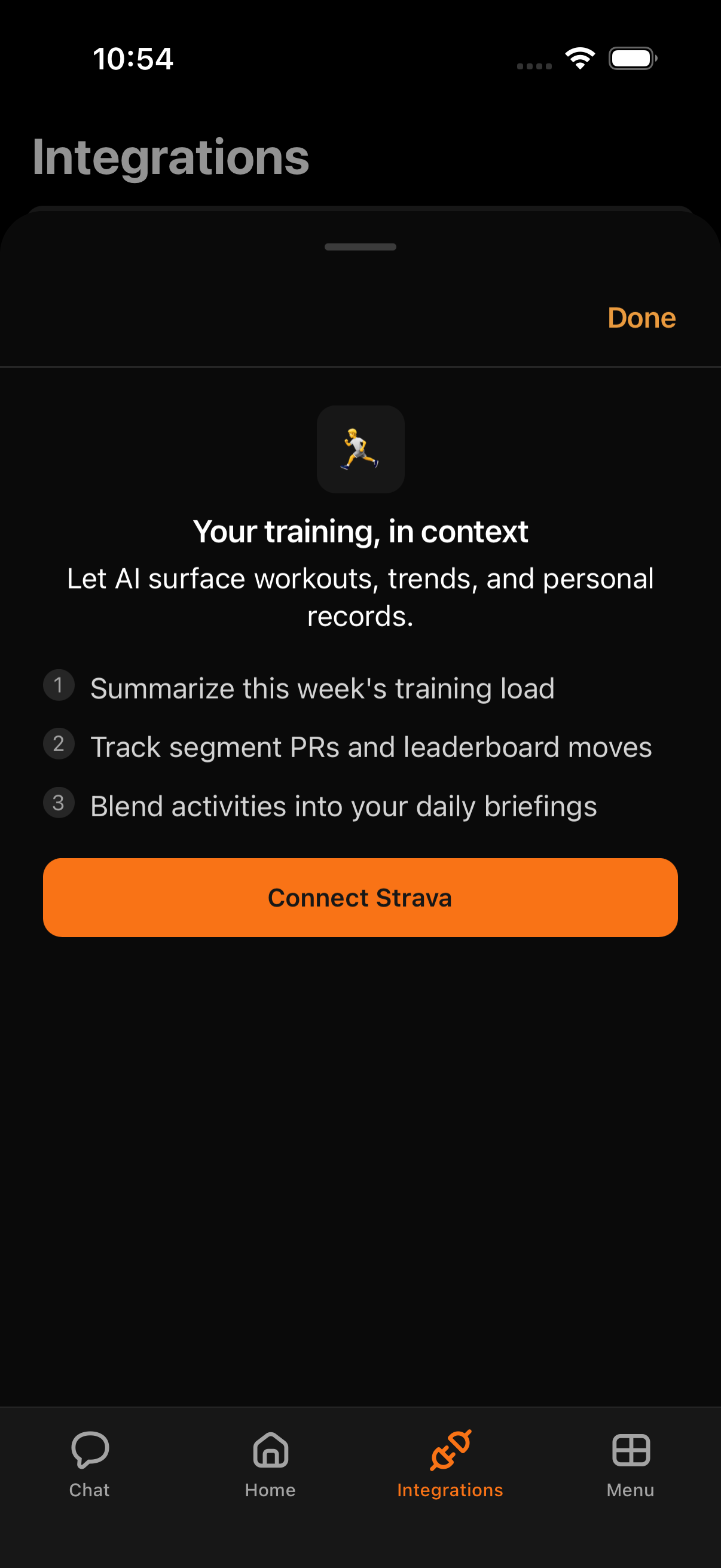
What Kyona can do with Strava
| Capability | What it covers |
|---|---|
| Read activities | Runs, rides, walks, swims, and other recorded workouts |
| View activity details | Pace, distance, time, elevation, and heart rate for a given activity |
| Read athlete stats | Year-to-date and recent totals from your athlete profile |
| Read routes | Your saved routes and their distance and elevation |
| Read clubs | Clubs you've joined and their recent club activities |
| Read training trends | Weekly and monthly summaries across activities |
| Log activities | Create or update an activity, like a manual entry for a workout |
Most of what people use Strava for in Kyona is reading — recaps, stats, and training trends — so you can ask about your activity without opening the app. Kyona can also log a workout for you when you ask.
Example prompts
- "How was my last run?"
- "How much did I run this week?"
- "What does my pace trend look like over the last month?"
- "Compare this week's mileage to last week."
- "Show me my longest ride from the past two weeks."
How to connect
- Open the menu and tap Integrations.
- Select Strava from the list.
- Tap Sign in with Strava.
- Confirm access in the Strava sheet that appears.
- Return to Kyona. Strava will show as connected on the Integrations page.
Once Strava is connected, your recent activities become available to Kyona right away.
Recommended permission settings
Each capability has three modes: Off, Ask First, and Always.
| Capability | Recommended | Why |
|---|---|---|
| Read activities | Always | Lets Kyona answer questions about recent workouts without interrupting you |
| View activity details | Always | Needed for pace, distance, and heart rate breakdowns |
| Read athlete stats | Always | Used for year-to-date and recent totals |
| Read routes | Always | Lets Kyona reference your saved routes |
| Read clubs | Always | Lets Kyona reference clubs you've joined and their activities |
| Read training trends | Always | Required for weekly and monthly summaries |
| Log activities | Ask First | Logging adds to your Strava profile, so a quick confirmation keeps you in control |
Reading is safe to leave on Always across the board. Logging is the one action that writes to your Strava, so Ask First is the recommended default there. If you'd prefer Kyona to check in before pulling activity data too, set any read capability to Ask First instead.
How Strava data shows up elsewhere
- Morning brief. If yesterday included a recorded activity, your brief can include a short recap alongside calendar and weather.
- Automations. You can set up a routine that prompts you for a post-run note, or one that summarizes your week every Sunday evening.
- Chat. Any activity-related question in chat pulls from your latest Strava data without a separate command.
Disconnecting
To remove Strava from Kyona:
- Open the menu and tap Integrations.
- Select Strava.
- Tap Disconnect.
After disconnecting, Kyona loses access to your activities and trends. You can reconnect at any time by repeating the connect steps above.